Chrome Extension
Install the Limi Chrome Extension
Three steps to install, then use Limi AI's inventory search right inside Chrome.
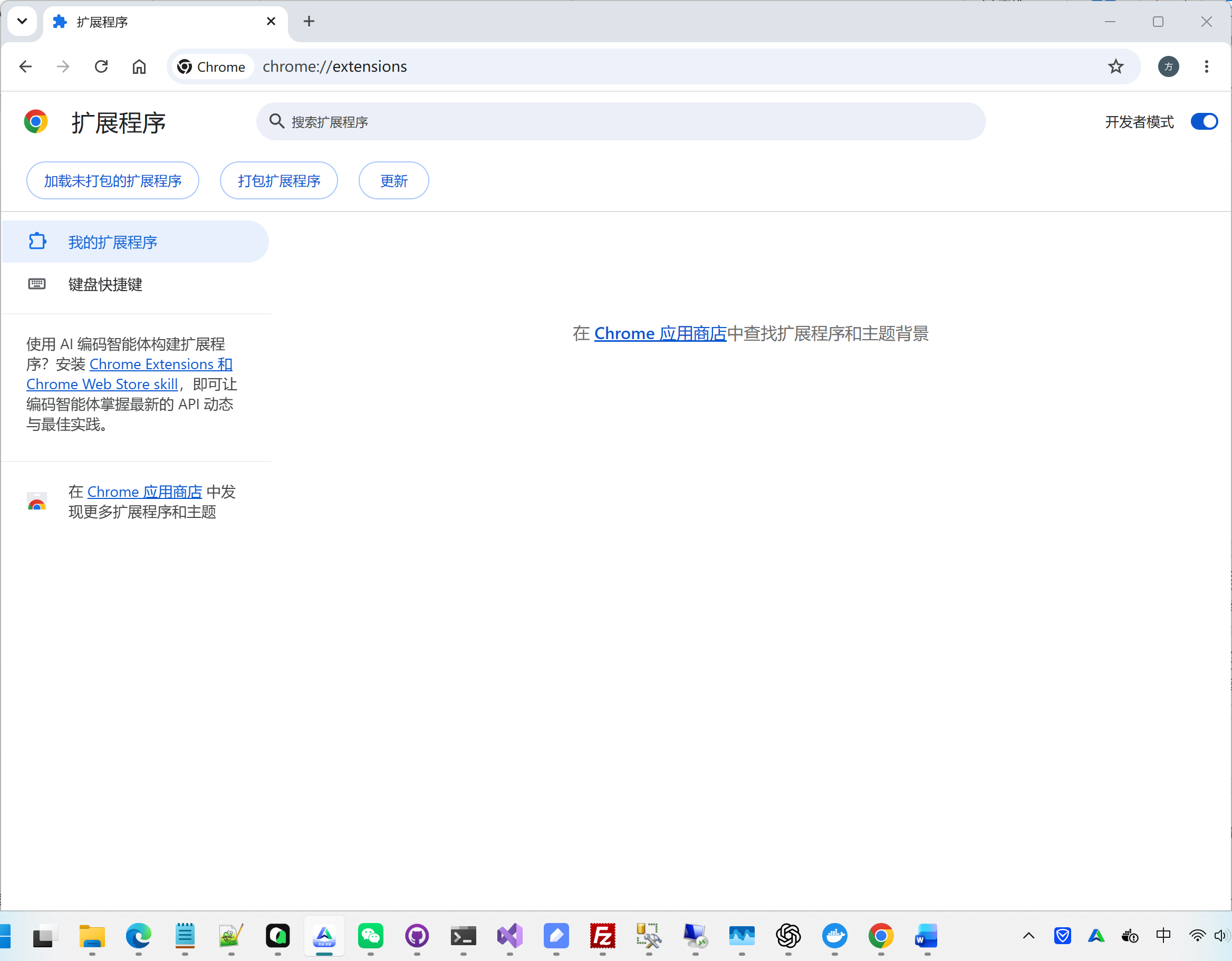
Open the extensions page
Open Chrome and enter the address below in the address bar, then press Enter.
chrome://extensions/Turn on Developer mode
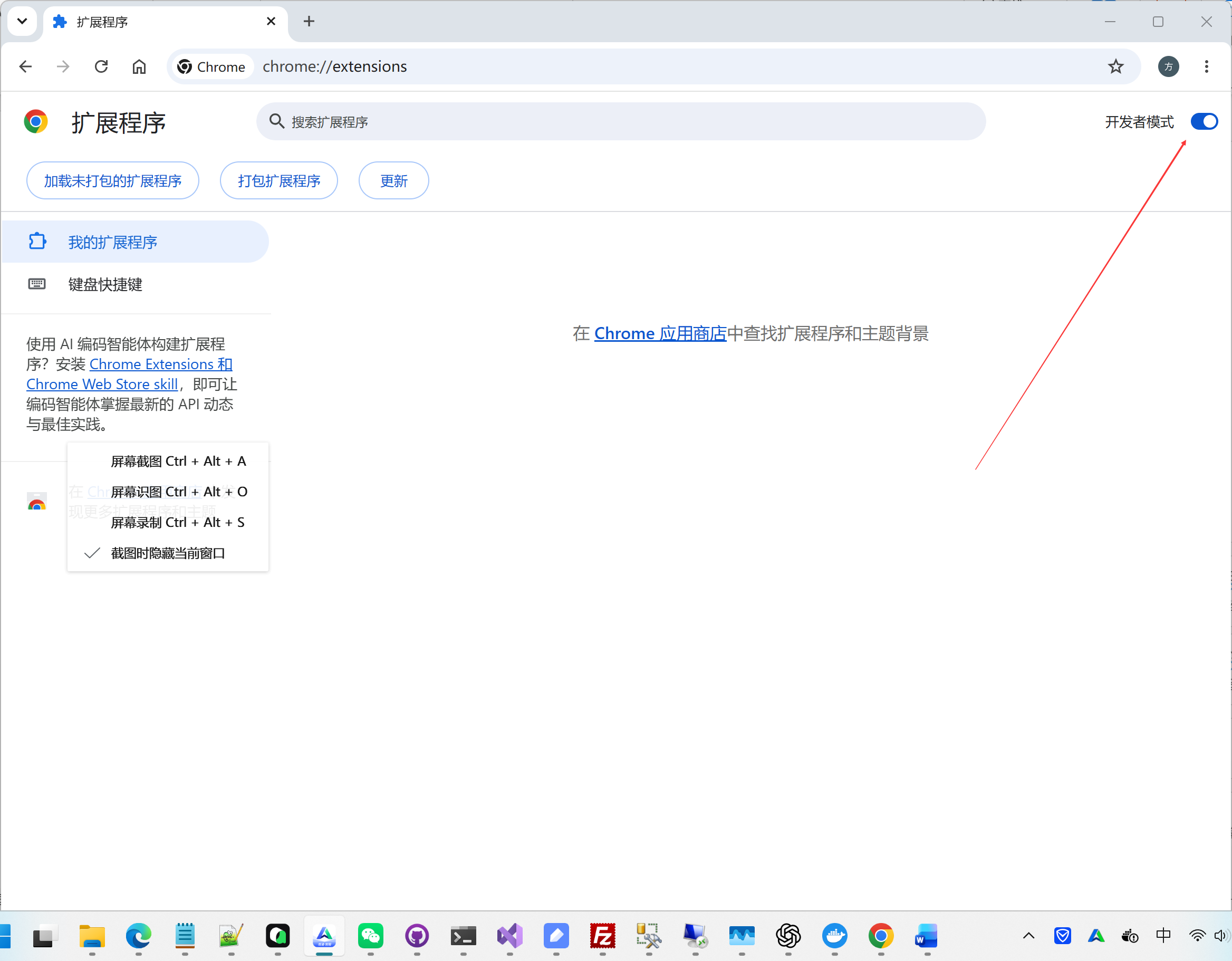
On the extensions page, make sure Developer mode is enabled in the top-right corner.
Drop in the plugin package
Drag the downloaded plugin archive onto the extensions page; Chrome unpacks and installs it automatically.
limi-chrome-extension-1.0.3.zip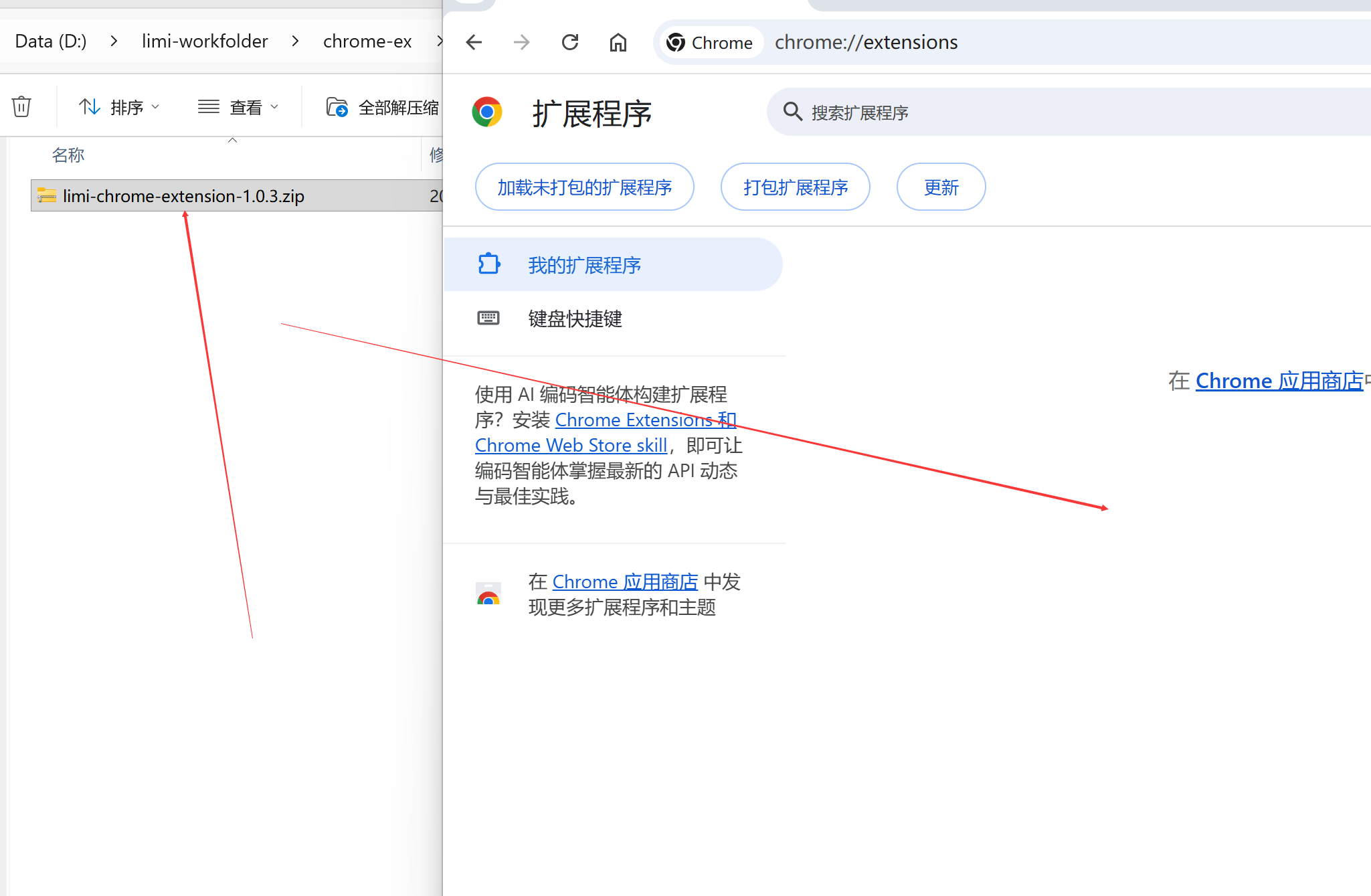
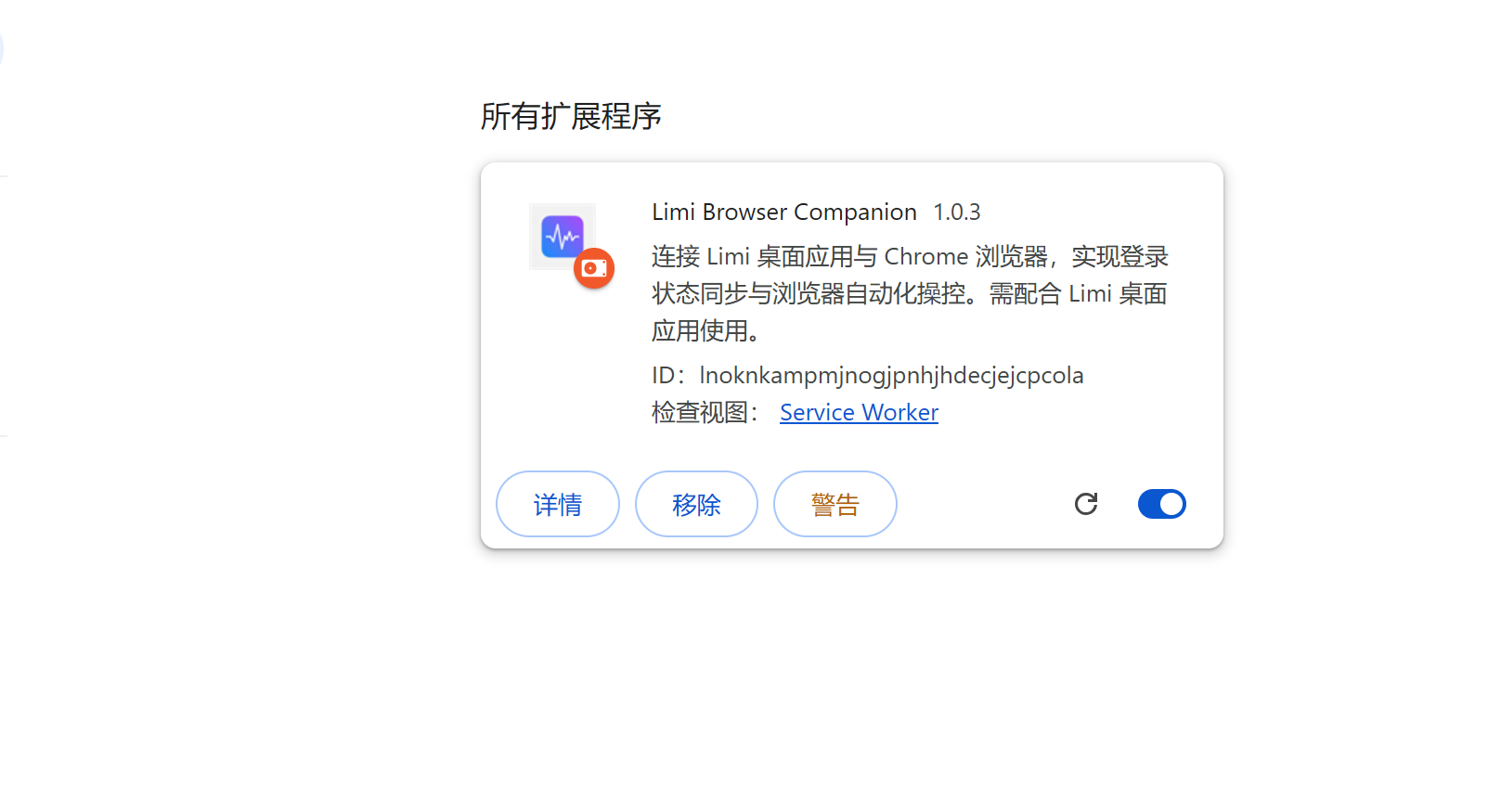
The result
Once installed, the extension is ready to use in Chrome.
Notes
- Drop the plugin zip archive itself — no need to unzip it beforehand.
- If dragging does nothing, unzip the archive first, then click Load unpacked in the top-left corner and pick the unzipped folder.
- To upgrade, remove the old version on the extensions page first, then drop in the new package.
Don't have the package yet?
Get the latest plugin package from the releases page.